Here are our step-by-step tutorials that will guide you through all the process of jailbreaking iOS 5.0.1 with sn0wbreeze, redsn0w, pwnagetool and absenthe:
Untethered jailbreak is available for iOS 5.0.1 firmware on iPhone3GS, , iPhone4-CDMA, iPad1, iPod touch 3G, iPod touch 4G.
1. If you’re already on iOS 5.0.1 with a tethered jailbreak, you have two even choices:
Run redsn0w 0.9.10 over your current jailbreak (deselect “Install Cydia”)
Install the Cydia package prepared by the chronic devteam. It is called Corona 5.0.1 Untether. ()
2. If you are not on 5.0.1 yet, update now! If you unlock via ultrasn0w or gevey, make sure you update to 5.0.1 via a custom IPSW! See our guides for sn0wbreeze . Once you’re at 5.0.1, use the latest redsn0w 0.9.10 to both jailbreak and untether.
You can download RedSn0w 0.9.10b1 .
Our step-by-step tutorials for untethered jailbreak using redsn0w 0.9.10:
The 4.3.3 untether works on all Apple devices that support 4.3.2 except for the iPad2:
iPhone 3GS
(GSM)
iPod Touch 3G
iPod Touch 4G
iPad 1
AppleTV 2G (PwnageTool only for now)
Redsnow is easy to use, it is available for Windows and Mac OS. As usual for unlockers – do not update to 4.3.3, use PwnageTool (MAC) and Sn0wBreeze (Windows) to preserve the baseband.
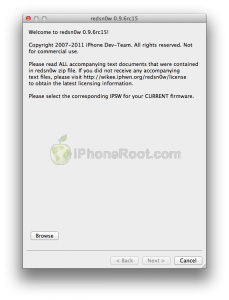
You can download RedSn0w 0.9.6 rc15 .
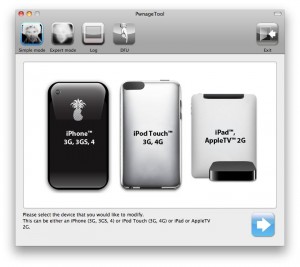
You can download PwnageTool 4.3.3 .
Ultrasn0w was also updated to support old baseband on new iOS 4.3.3. Ultrasn0w 1.2.3 (for unlockers with old baseband) is available in Cydia.
New tutorials are on it’s way. For now you can still use our tutorials for iOS 4.3.1. Just download iOS 4.3.2 , update in iTunes, point redsn0w to it, everything else is the same:
 iPhone 4S