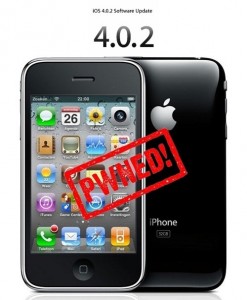
Have you already updated your device to the version iOS4 and want to unlock your 3GS? Firstly there was Redsn0w, now PwnageTool is available, which can easily help you. Here is for jailbreaking iPhone 3GS (old bootrom). Warning: this is not an official release and therefore may be some bugs that can destroy your device or delete some important information. So be careful while using it!
Go to /private/var/root/Library/, delete original lockdown folder and put this folder after you extract it from the zip file
Restart phone
If you are not jailbroken:
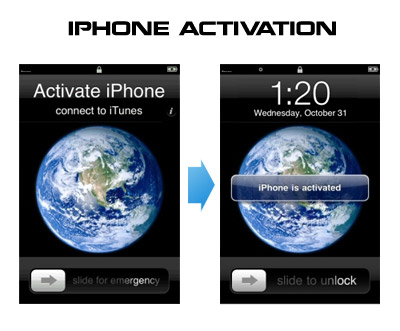
Sherif Hashim discovered that you can activate your iPhone 4, iPhone 3GS or even iPhone 3G without the original carrier SIM card. You need a “phonebook sim card” or 02 simcard. You can buy these type of sim at radioshack, bestbuy or other mobile electronics store (for example ).
Once you get passed the Emergency Call screen, connect to Wifi, jailbreak using and unlock using ultrasn0w. Once that is complete you should be passed activation and unlocked (able to use any sim). If you get a different simcard error, do the following final step:
Download ifunbox software ()
Run ifunbox software and sync with phone
Go to /private/var/root/Library/, delete original lockdown folder and put this folder after you extract it from the zip file
Restart phone
If you have itunes invalid response problem:
Connect to wifi and ssh to your phone (via winscp, putty, terminal, etc).
Navigate to your lockdown folder (/private/var/root/Library/).
Delete pair_records folder
Reconnect the cable and see that your invalid response problem is gone.
If you bought your iPhone 4 on ebay you will need the official sim (at&t) or a universal sim, like ones you can grab at bestbuy for $10 this will get you passed Emergency Screen.
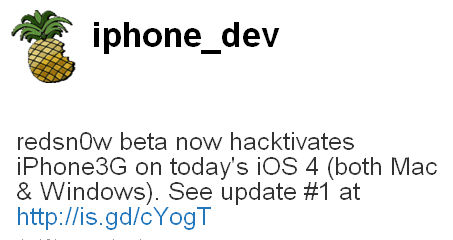
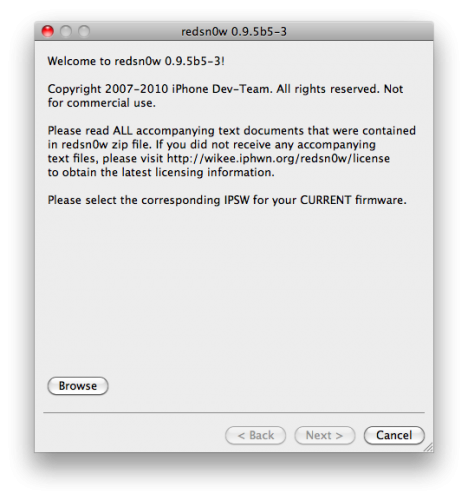
DevTeam successfully jailbreaked new iOS 4. They updated jailbreak utility redsn0w to version 0.9.5b5-3. Supported devices are iPhone3G and iPod Touch 2G (not MC). New redsn0w is also able to hacktivate iOS 4.0 for iPhone3G.